Make it yours
→ What you doSign up, set the brand colour, pick a theme.
✓ What you getThe dashboard and every customer-facing surface pick up the brand.

Give it knowledge
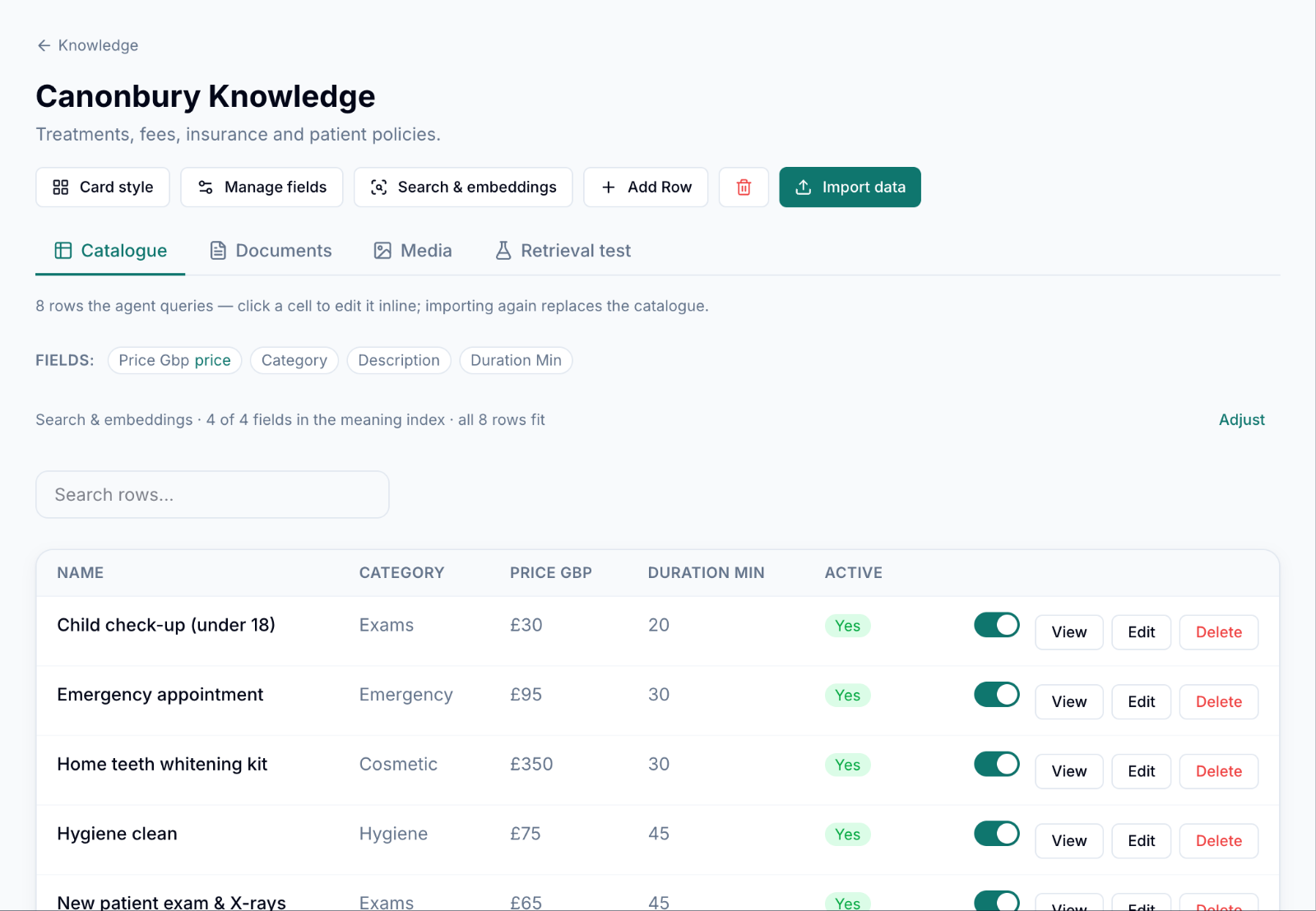
→ What you doImport the treatment list as a catalogue, add the patient policies and the website.
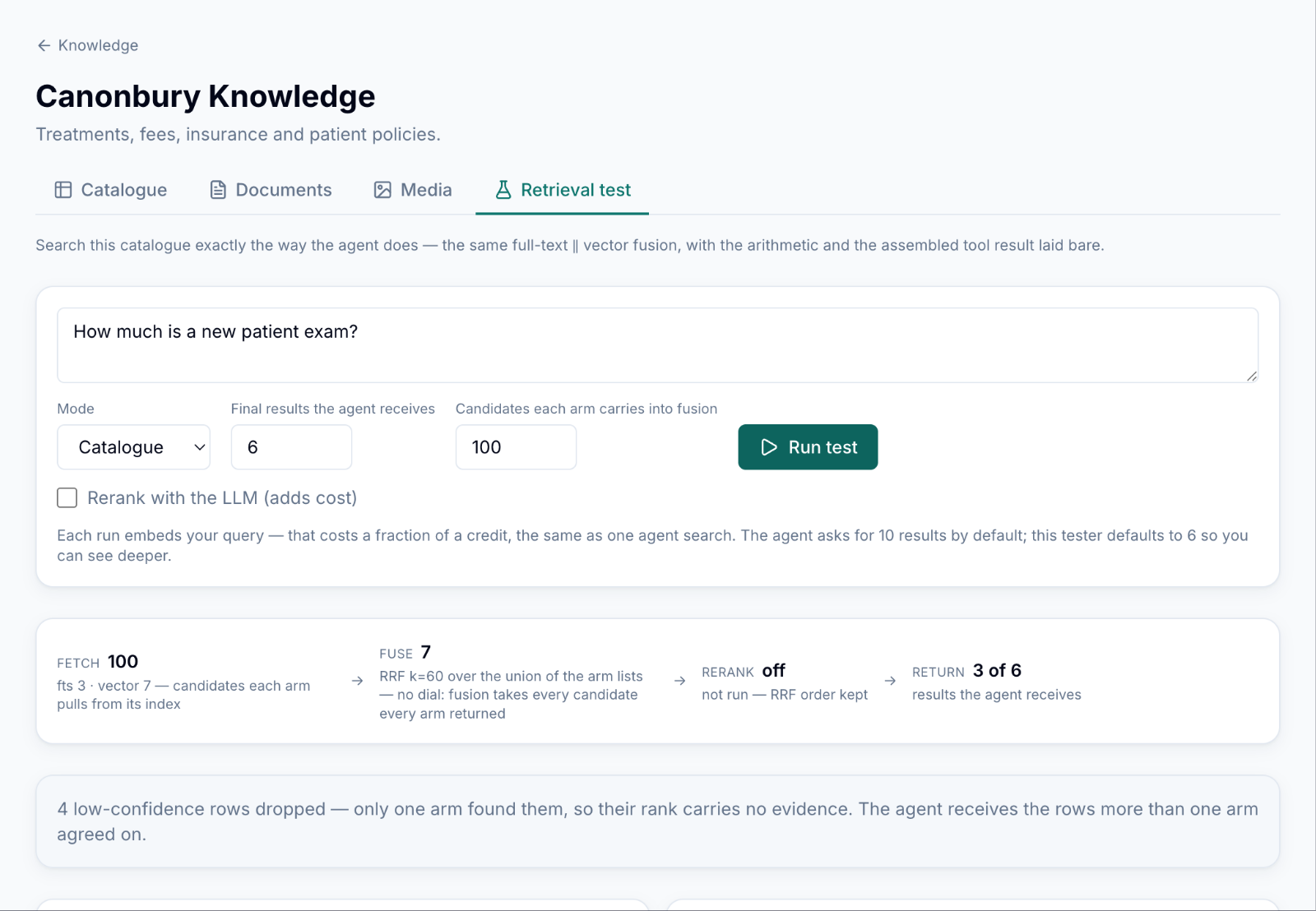
✓ What you getAsk it a question before any patient does and see exactly what it would quote.
Connect your systems
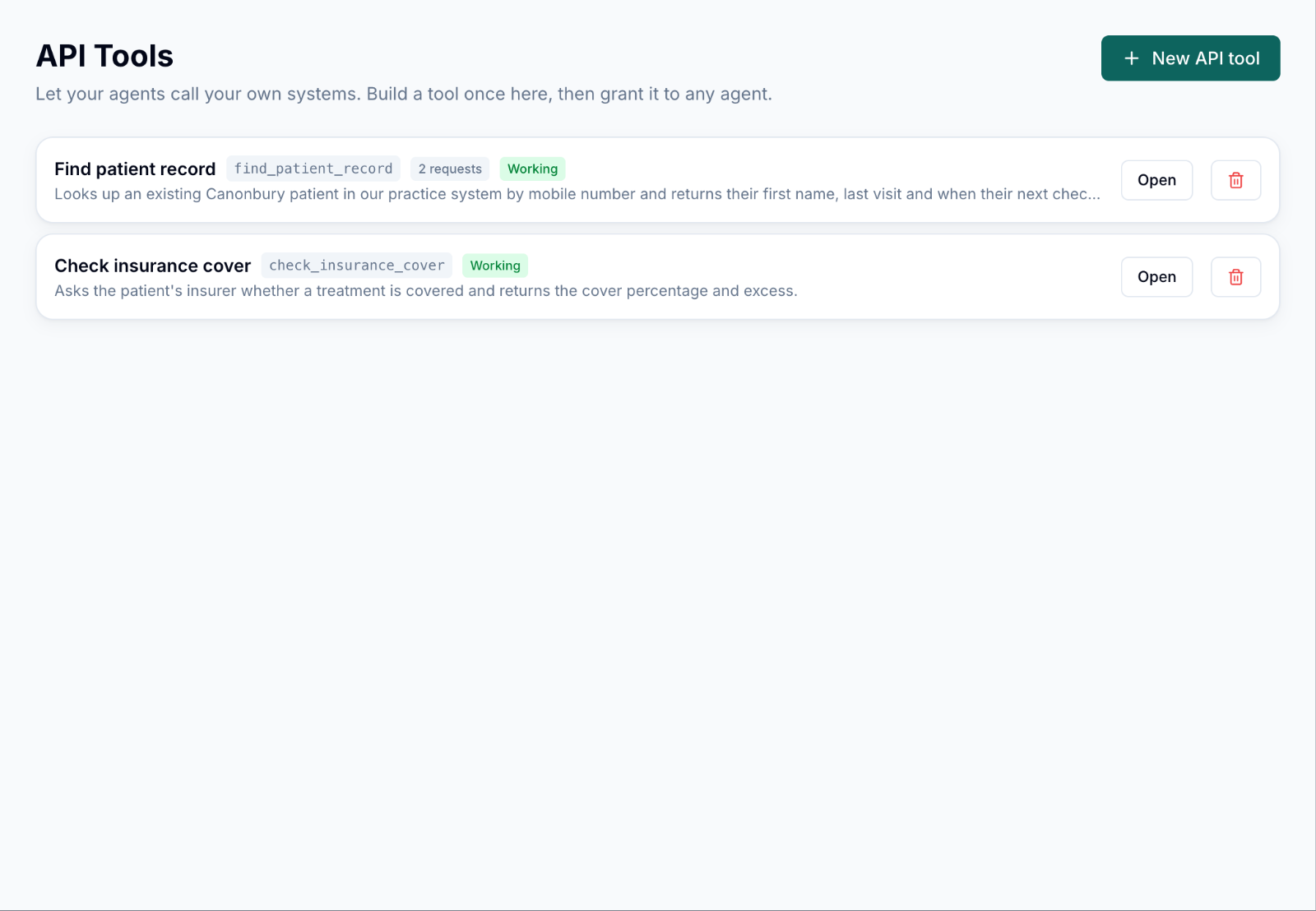
→ What you doDescribe each call to the practice system once: patient lookup, insurance check.
✓ What you getTools are tested as “Working” here, then granted to any agent.
Create the agent
→ What you doThe wizard asks what it is for, which details to collect, the booking hours, and which knowledge and tools it may use.
✓ What you getA set of capabilities you can switch on and configure, not a prompt to maintain.
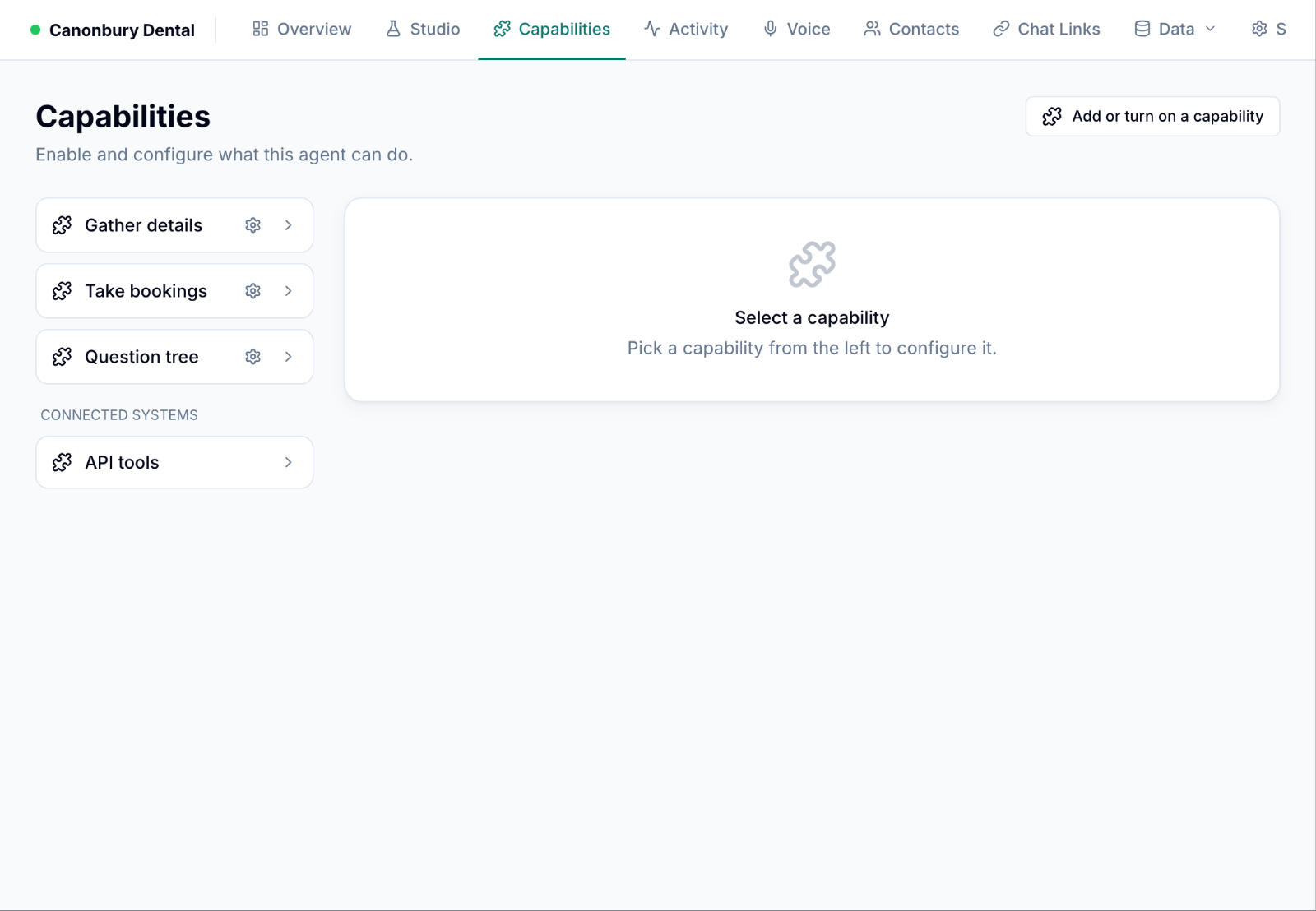
Decide what needs sign-off
→ What you doGate “create a booking” and “reschedule a booking”; name who approves.
✓ What you getThe agent pauses on exactly those actions and asks a human; everything else runs on its own.

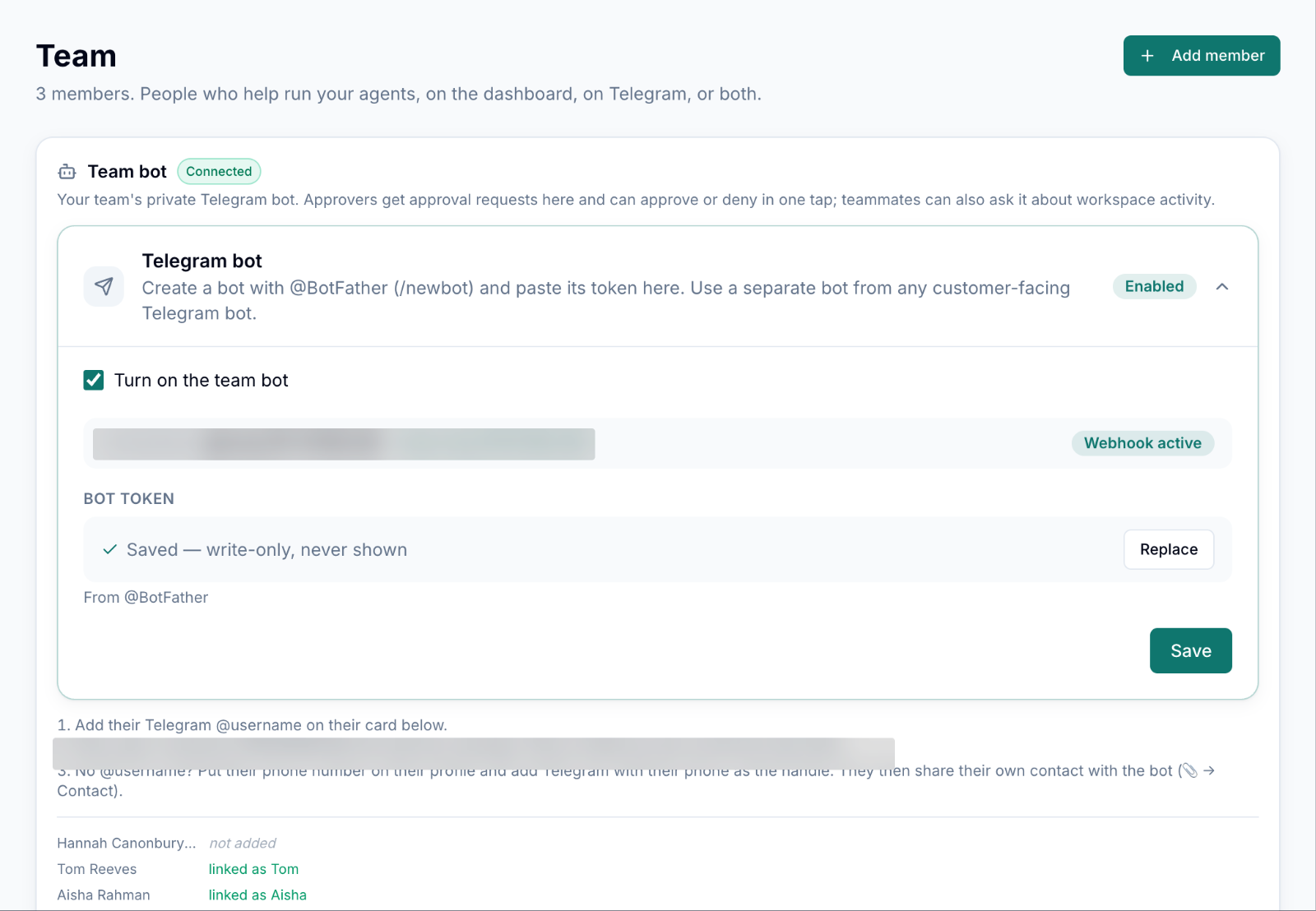
Bring in the team
→ What you doInvite the practice manager and the receptionists; link their Telegram.
✓ What you getApproval requests arrive as one-tap Telegram messages. Viewers can watch, approvers can act.
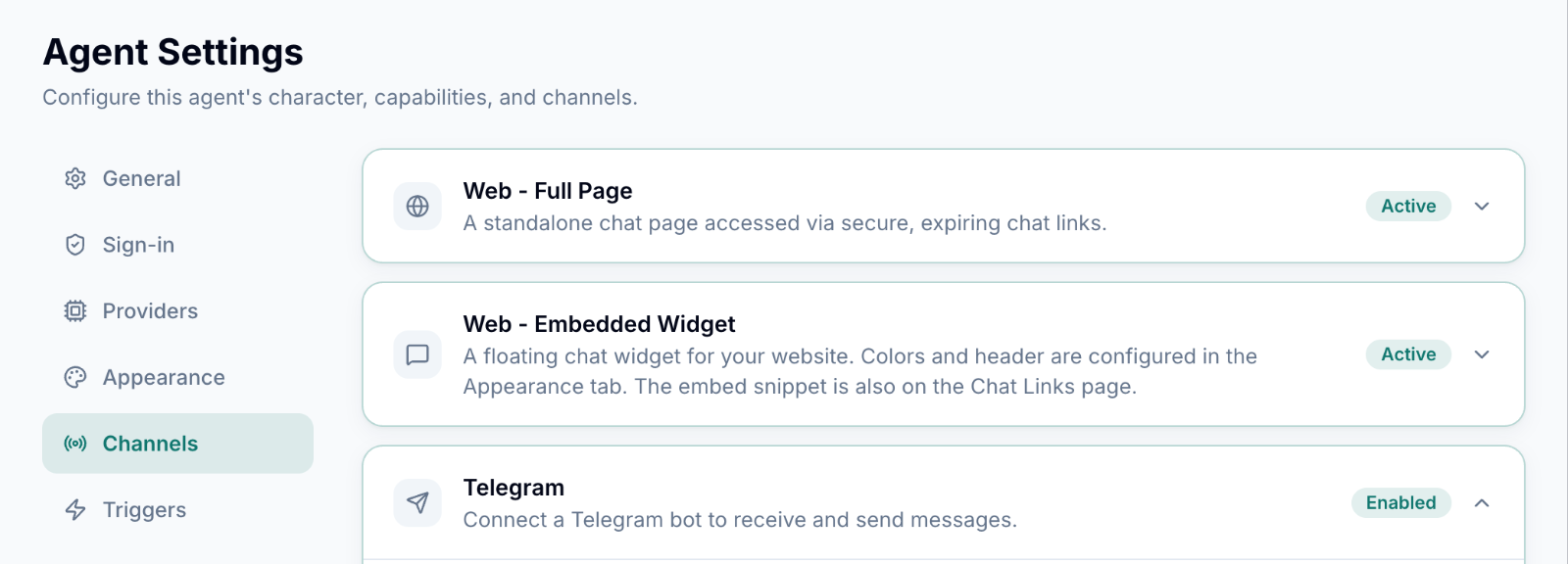
Open the doors
→ What you doTurn on the full-page chat, the website widget and Telegram.
✓ What you getOne agent, one memory of the patient, on every channel.
The conversation
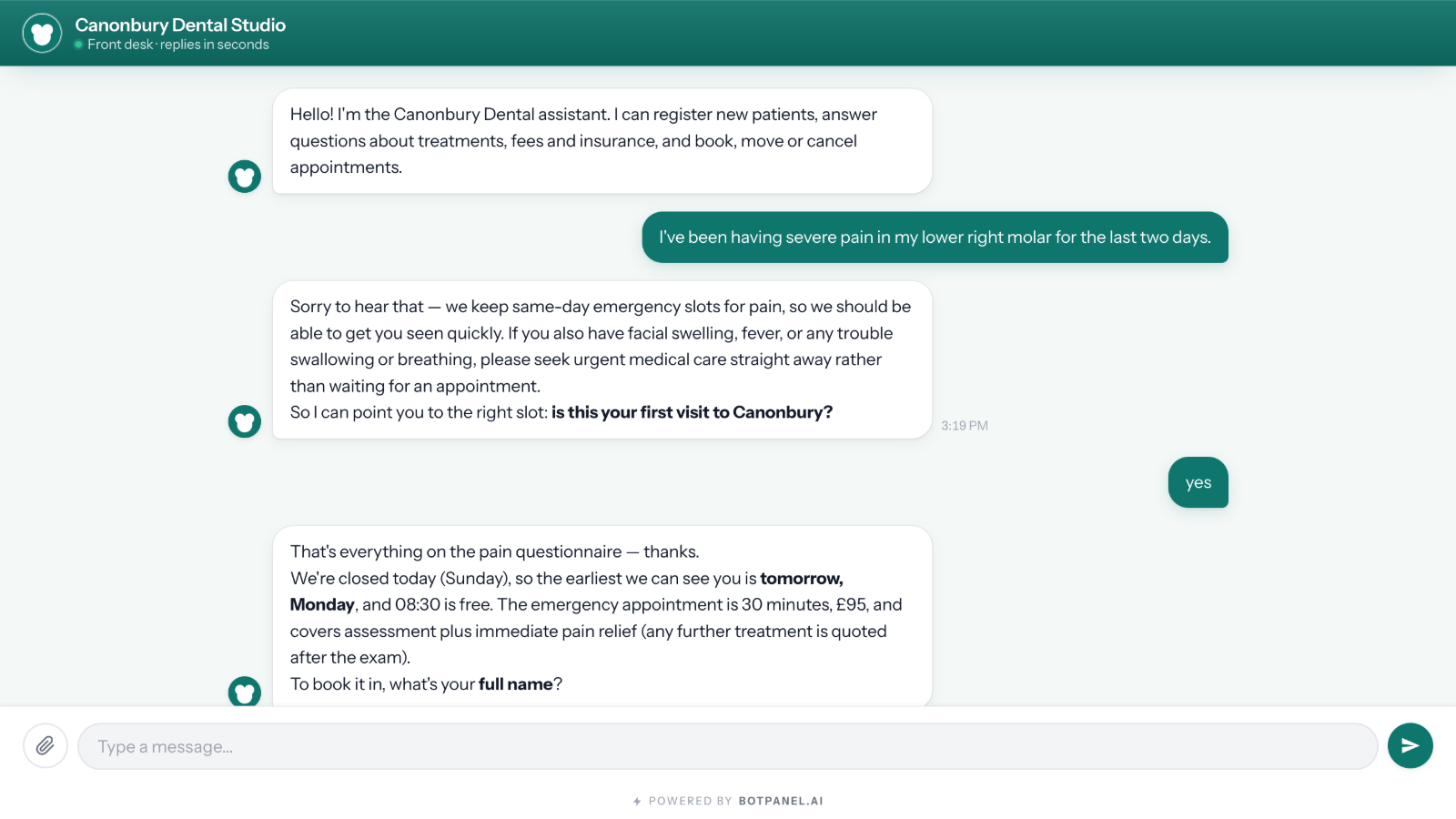
Pain in a molar. The agent triages, flags the red-flag symptoms, and offers the first emergency slot — tomorrow 08:30, £95.Policy and price both come from the knowledge you gave it.
What landed
→ What you doNothing — the owner opens the dashboard the next morning.
✓ What you getA verified contact with every detail, the booking, the sign-off trail, and a flag that someone should follow up.
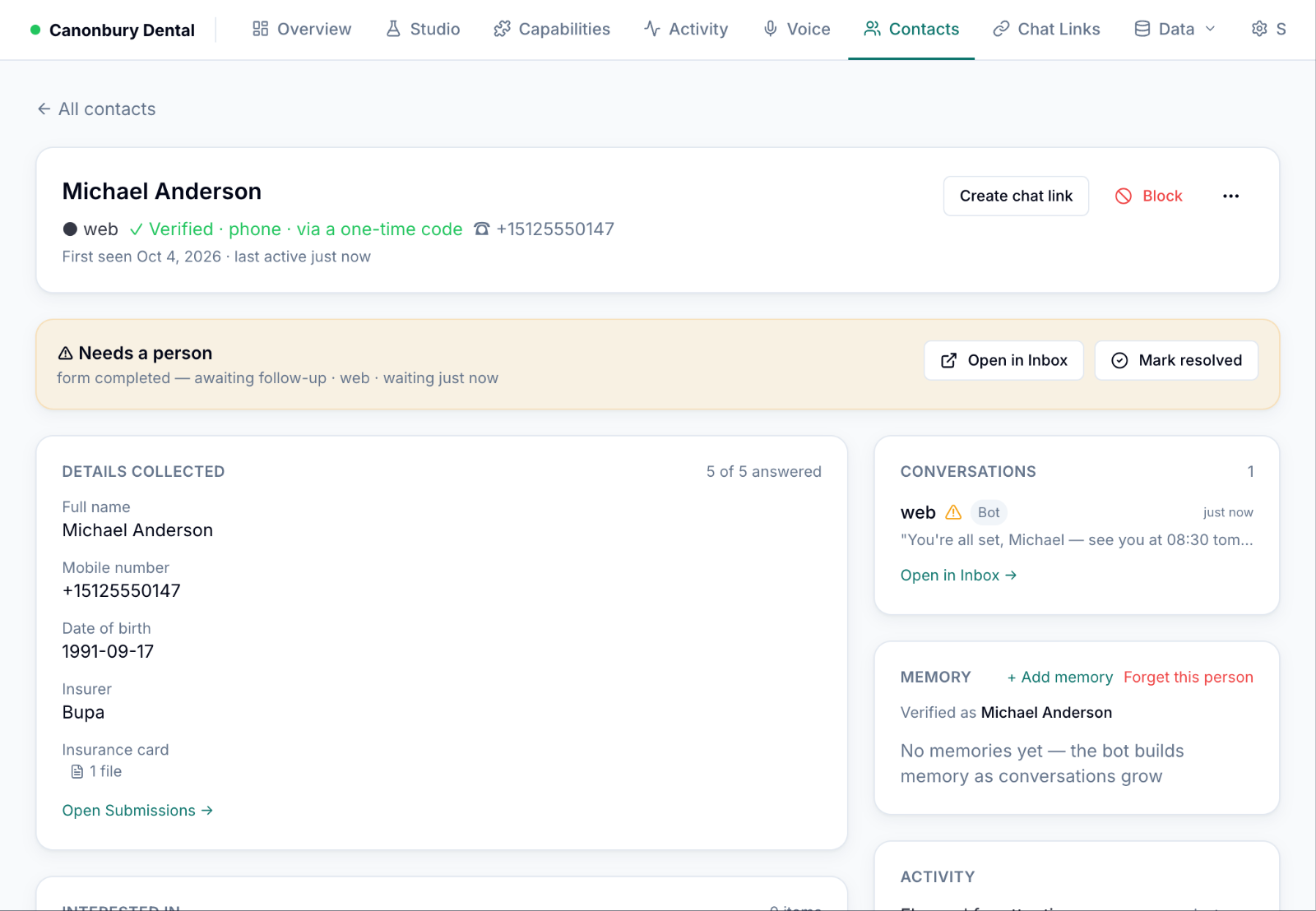 Contactphone verified · 5 of 5 details · needs a person
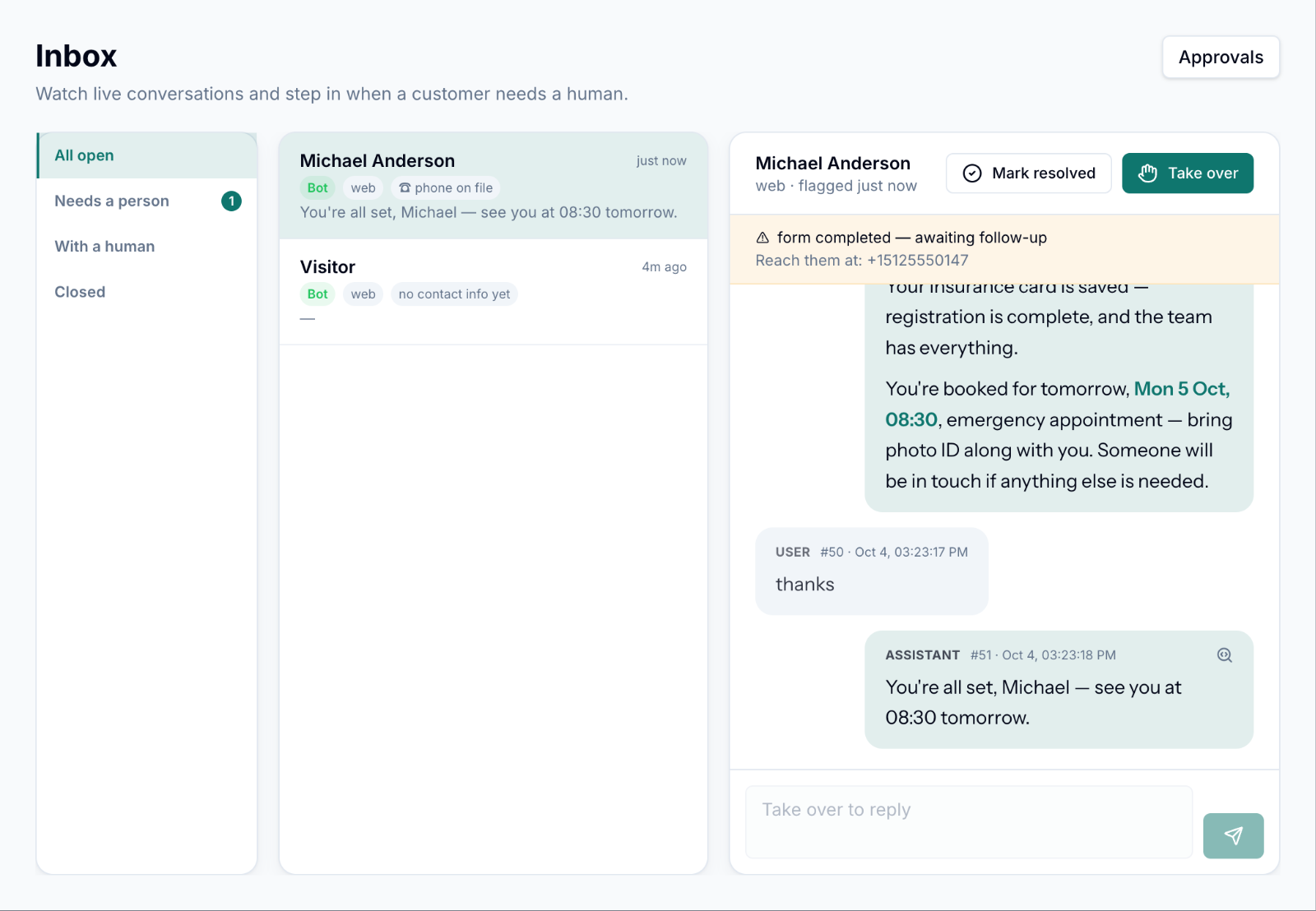 Inboxthe whole conversation, with “Take over”
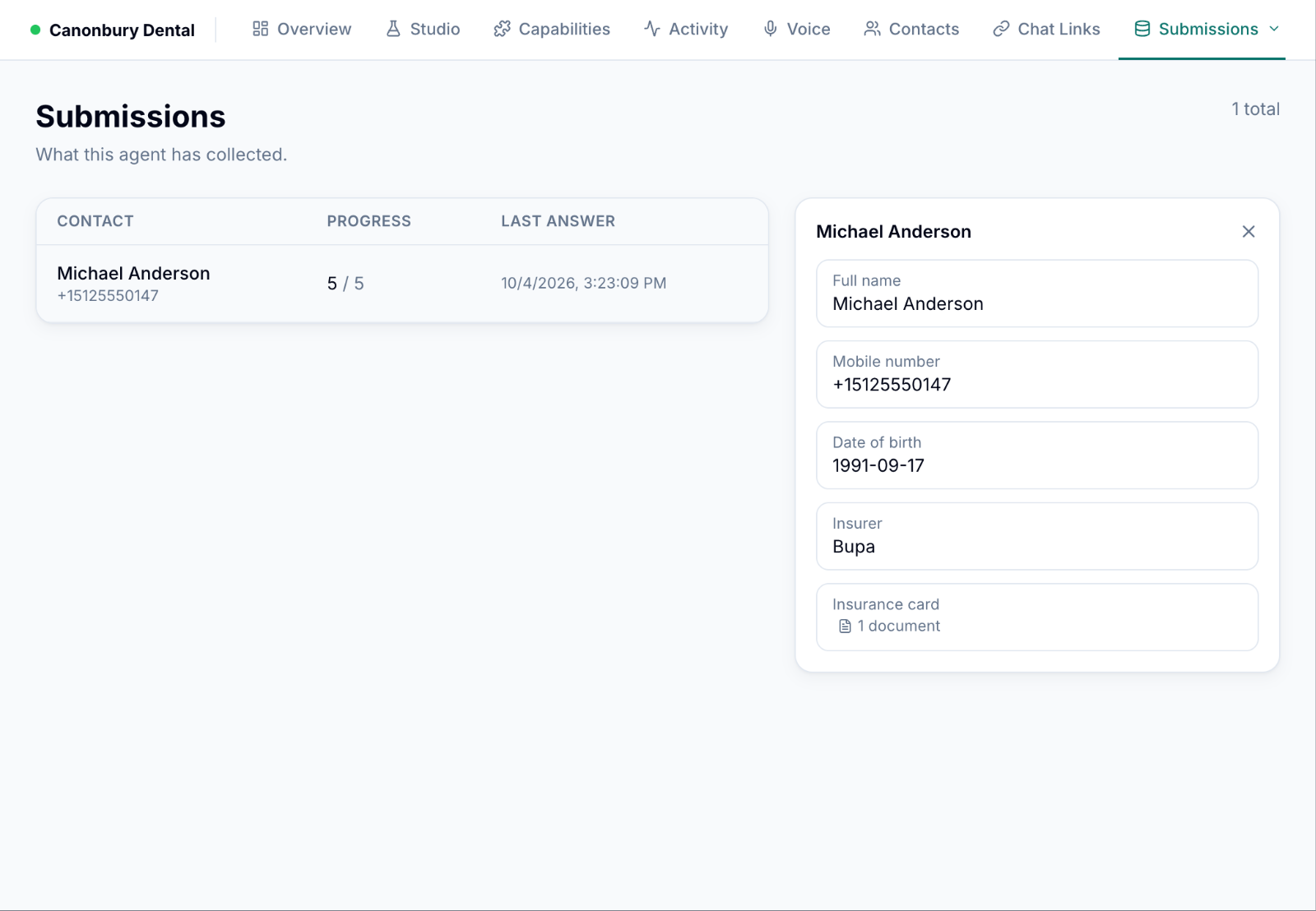 Submissionsform answers and the uploaded card
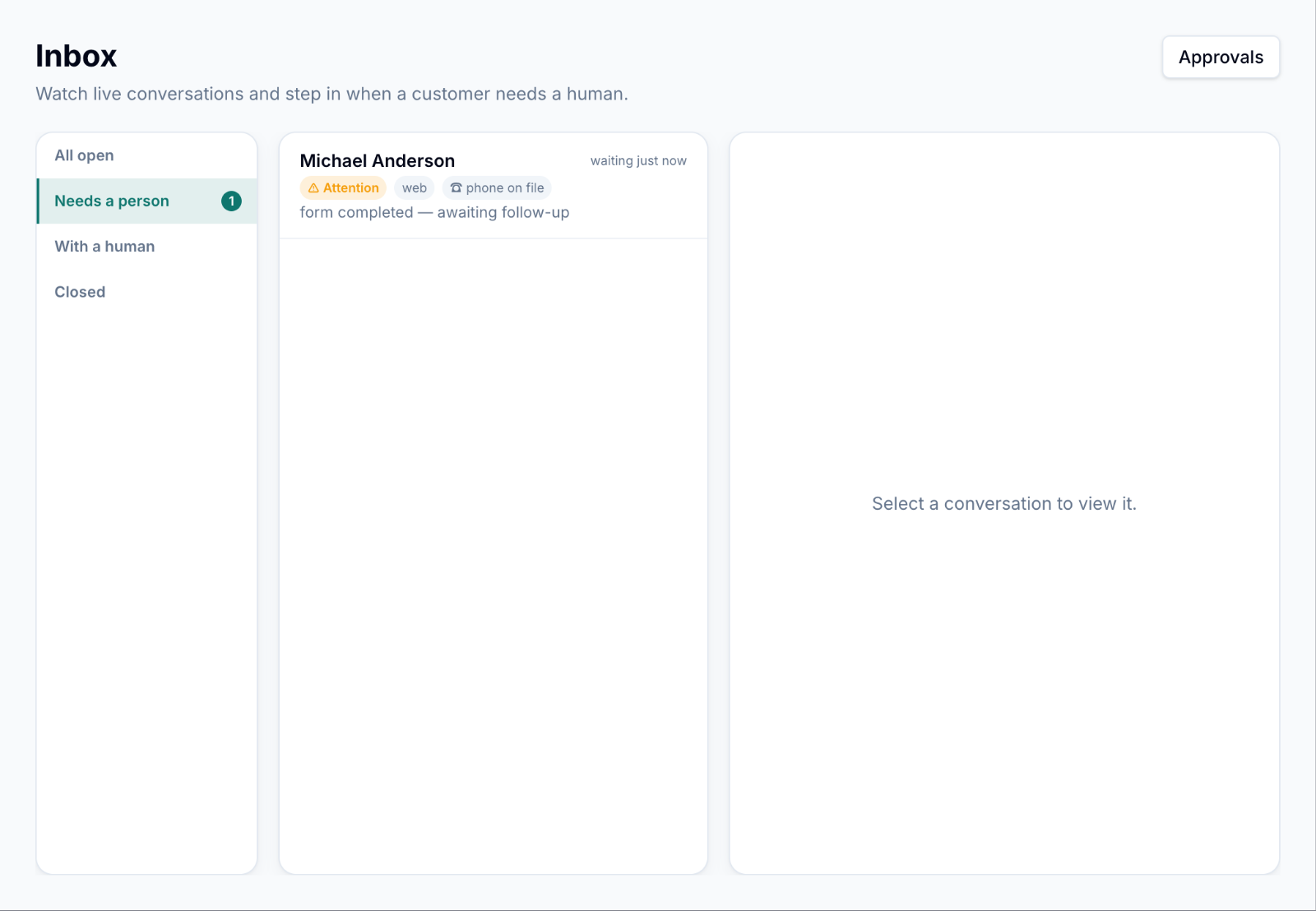 Needs a personflagged for follow-up
 Approval trailthe exact booking call that was approved